Affiliate disclosure: As an Amazon Associate, SEFP Journal earns from qualifying purchases. Product links below are for Amazon.com in the United States.
Choose the Samsung T7 when it is meaningfully cheaper for desk use, the T7 Shield when dust and water resistance matter, and the T9 when your computer explicitly supports USB 3.2 Gen 2×2. A USB-C socket alone is not a reason to pay more for the T9.
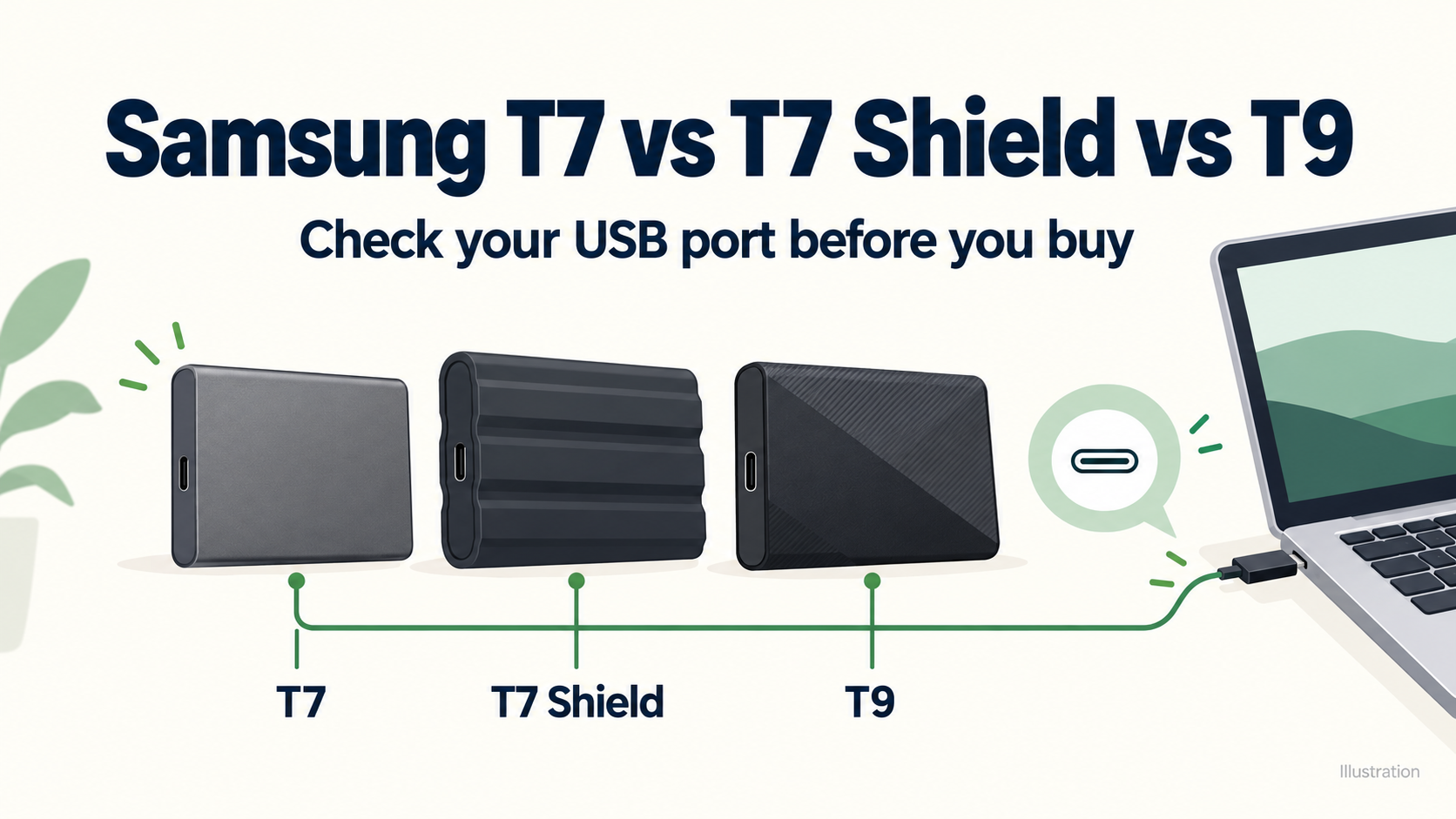
This Samsung T7 vs T7 Shield vs T9 comparison focuses on the 1TB US models. It uses manufacturer specifications and verified US product listings, not our own benchmarks or hands-on durability tests. Sources and listings checked October 30, 2026. The featured image is an explanatory illustration, not a photograph or an exact reproduction of the products.
- Samsung T7 vs T7 Shield vs T9: 1TB comparison table
- Check your computer’s USB port before choosing the T9
- T7 Shield vs T9 for Mac: is the upgrade worth it?
- Samsung T7: the price-first choice for desk use
- Samsung T7 Shield: the protection-first choice
- Samsung T9: the performance-first choice on Gen 2×2
- How much extra should you pay?
- Frequently asked questions
- Which Samsung portable SSD should you buy?
- Related connection guide
- Official sources and model checks
Samsung T7 vs T7 Shield vs T9: 1TB comparison table
| Feature | T7 | T7 Shield | T9 |
|---|---|---|---|
| US model | MU-PC1T0T/AM | MU-PE1T0S/AM | MU-PG1T0B/AM |
| Listed color | Titan Gray | Black | Black |
| USB interface | 3.2 Gen 2: 10Gbps | 3.2 Gen 2: 10Gbps | 3.2 Gen 2×2: 20Gbps |
| Sequential read, up to | 1,050MB/s | 1,050MB/s | 2,000MB/s |
| Sequential write, up to | 1,000MB/s | 1,000MB/s | 1,950MB/s* |
| Dust/water rating | Not listed in cited data sheet | IP65 | Not listed in cited data sheet |
| Controlled drop-test height | 2 meters | 3 meters | 3 meters |
| Limited warranty | 3 years | 3 years | 5 years |
| Included cable types | USB-C to C and C to A | USB-C to C and C to A | USB-C to C and C to A |
| Main buying reason | Lower price for everyday use | Rated dust/water resistance | Higher speed on a matching host |
Source: Samsung data sheets linked below. Speeds are manufacturer maximums, not results we measured. Host, cable, workload and temperature affect performance. Drop tests used controlled conditions; they do not promise that a real-world fall will be harmless.
*T9 capacity detail: Samsung’s capacity-specific data sheet lists up to 1,950MB/s writes for 1TB and 2TB, and 2,000MB/s for 4TB. The US store headline uses 2,000MB/s write wording on the 1TB page too. This table follows the more specific data sheet rather than applying the family headline to every capacity.




Check your computer’s USB port before choosing the T9
Find the specification for your exact laptop or motherboard, then identify the particular port you will use. USB-IF distinguishes 10Gbps Gen 2 from 20Gbps Gen 2×2. The latter is the mode needed to pursue the T9’s headline performance. Connector shape and protocol support are separate questions.
| Connection you actually use | Buying implication |
|---|---|
| USB 3.x at 5Gbps | The connection limits all three. Choose on price and protection; a T9 speed premium is hard to justify for this port alone. |
| USB 3.2 Gen 2 at 10Gbps | T7 and T7 Shield already target this interface. T9 can connect, but cannot use its full 20Gbps link. |
| USB 3.2 Gen 2×2 at 20Gbps | T9 has a speed advantage on paper. Use an appropriate C-to-C data cable and check every intermediate device. |
| USB4 or Thunderbolt, without explicit Gen 2×2 confirmation | Do not assume its headline bandwidth establishes T9’s 20Gbps USB mode. Check the host’s USB compatibility. |
| A hub, dock or adapter | Check its downstream data specification as well as the computer. Charging wattage does not establish data speed. |
These are interface-based buying implications, not a benchmark ranking. Kingston’s interface guide explains why USB4 and Thunderbolt connections can run a Gen 2×2 SSD at a lower USB speed. Its benchmark numbers describe its own drive and test setup; they are not T9 measurements.
T7 Shield vs T9 for Mac: is the upgrade worth it?
For a Mac, verify the exact model rather than treating “Thunderbolt” as proof of T9 performance. For example, Apple’s 2024 14-inch M4 MacBook Pro specification lists Thunderbolt 4 and USB4 at up to 40Gb/s. That wording alone does not establish USB 3.2 Gen 2×2 support. Do not read this as a universal specification for every Mac.
If your Mac and connection path only offer the drive a 10Gbps USB link, the T9’s advertised speed is a weak reason to pay extra. The Shield’s IP65 rating or the T9’s longer limited warranty may still matter to you. Those are separate buying reasons, not evidence that T9 transfers will be twice as fast on your Mac.
Samsung T7: the price-first choice for desk use
The T7 is worth considering when its same-capacity price is clearly below the other two and your workload is ordinary document, photo or backup transfers. It shares the Shield’s published sequential speed ceilings, so buying the Shield solely for a higher headline MB/s figure would miss the actual distinction.
Its thinner 8mm body, versus 13mm for the Shield and 14mm for the T9, can also suit a compact pouch. This is a dimension comparison, not a claim about comfort or carrying weight. We have not established equal sustained-write behavior between the T7 and Shield; matching maximum ratings do not prove identical long-transfer performance.
- Start here if: price matters most and the drive stays in a relatively controlled environment.
- Reconsider if: you specifically need rated dust/water resistance, or already have a Gen 2×2 workstation and frequent large transfers.
Samsung T7 Shield: the protection-first choice
The T7 Shield’s main distinction is its IP65 dust and water resistance, with a controlled 3-meter drop-test rating. Its advertised read/write limits stay at 1,050/1,000MB/s. Think of the extra money as paying for the protection specification and enclosure, rather than a doubled USB speed class.
IP65 does not mean you should submerge it. Samsung describes controlled fresh-water jet and dust tests, and excludes liquid, dust and drop damage in the data-sheet warranty notes. Keep another copy of important files; a tougher enclosure is not a backup strategy.
- Start here if: the drive travels between locations where dust or accidental splashes are a realistic concern.
- Reconsider if: desk use is your main use case and a T7 costs substantially less, or you need the T9’s higher interface ceiling.
Samsung T9: the performance-first choice on Gen 2×2
The T9 is the strongest candidate here for a confirmed 20Gbps Gen 2×2 computer used for repeated large-file work. Its higher published ceiling creates an opportunity to save transfer time; it does not guarantee that every copy, game load or editing task becomes twice as fast.
A slower source drive, many small files, caching, heat and a shared hub can change the result. We have not timed these drives, so this guide does not turn the specification into a promised completion time. Its five-year limited warranty is longer than the three-year terms of the two T7 models, subject to Samsung’s conditions.
- Start here if: you have verified Gen 2×2 support and regularly move large project files.
- Reconsider if: you only have a 5Gbps/10Gbps path or specifically require the Shield’s IP65 rating. The T9 data sheet cited here does not list an IP rating.
How much extra should you pay?
Compare the same capacity, condition, seller, warranty eligibility and delivered price. There is no permanent cheapest model, and the product cards do not display a frozen deal price. A discounted T9 can be attractive even on a slower host, but its unused speed ceiling should not be the justification.
Use three questions: What feature would the premium buy? Can my setup use it? Is that feature worth more to me than the price gap? For occasional backups on a 10Gbps port, the answer may favor a cheaper T7. For travel protection it may favor the Shield. For repeated transfers on Gen 2×2 it may favor the T9.
Frequently asked questions
Is the T7 Shield faster than the T7?
Their published maximum sequential speeds are the same: 1,050MB/s read and 1,000MB/s write. That does not establish identical sustained performance. The Shield’s clearest specification difference is its IP65 rating.
Will a better USB-C cable make T9 run at 2,000MB/s?
Only replacing a bottleneck can help. A cable cannot add Gen 2×2 capability to a host or dock that lacks it. Start with the included suitable cable and a direct compatible port before shopping for accessories.
Is T9 waterproof?
Do not assume so from its textured enclosure or drop-test specification. The cited T9 data sheet does not list the Shield’s IP65 water/dust rating; even IP65 is not an immersion claim.
Are these exact purchase links for 1TB US models?
Yes. The cards were matched to Amazon.com listings for T7 Titan Gray MU-PC1T0T/AM, T7 Shield Black MU-PE1T0S/AM and T9 Black MU-PG1T0B/AM. Check the selected capacity and seller again before ordering, since retailer pages, availability and offers can change.
Which Samsung portable SSD should you buy?
Start with T7 for price, T7 Shield for IP65 protection, or T9 for a verified Gen 2×2 setup. If you are replacing a working drive, first identify the limitation you want to solve. A newer model name alone is not a reason to replace storage that already meets your needs.
Related connection guide
Adding ports? Our TP-Link UH700 vs UH720 comparison explains the difference between data ports and extra charging ports. A hub’s port count is a separate question from the USB speed needed by an SSD.
Official sources and model checks
- Samsung T7: US 1TB model
- Samsung T7 Shield: US 1TB model
- Samsung T9: US 1TB model
- Samsung T7 data sheet, revision 2.0
- Samsung T7 Shield data sheet, revision 2.0
- Samsung T9 data sheet, revision 1.0
- Samsung SSD limited warranty terms
- USB-IF: USB 3.2 specifications
- Kingston: Gen 2×2, USB4 and Thunderbolt compatibility
- Apple: 14-inch MacBook Pro with M4 (2024), port specifications