PR / Disclosure: As an Amazon Associate I earn from qualifying purchases. Prices and availability can change.
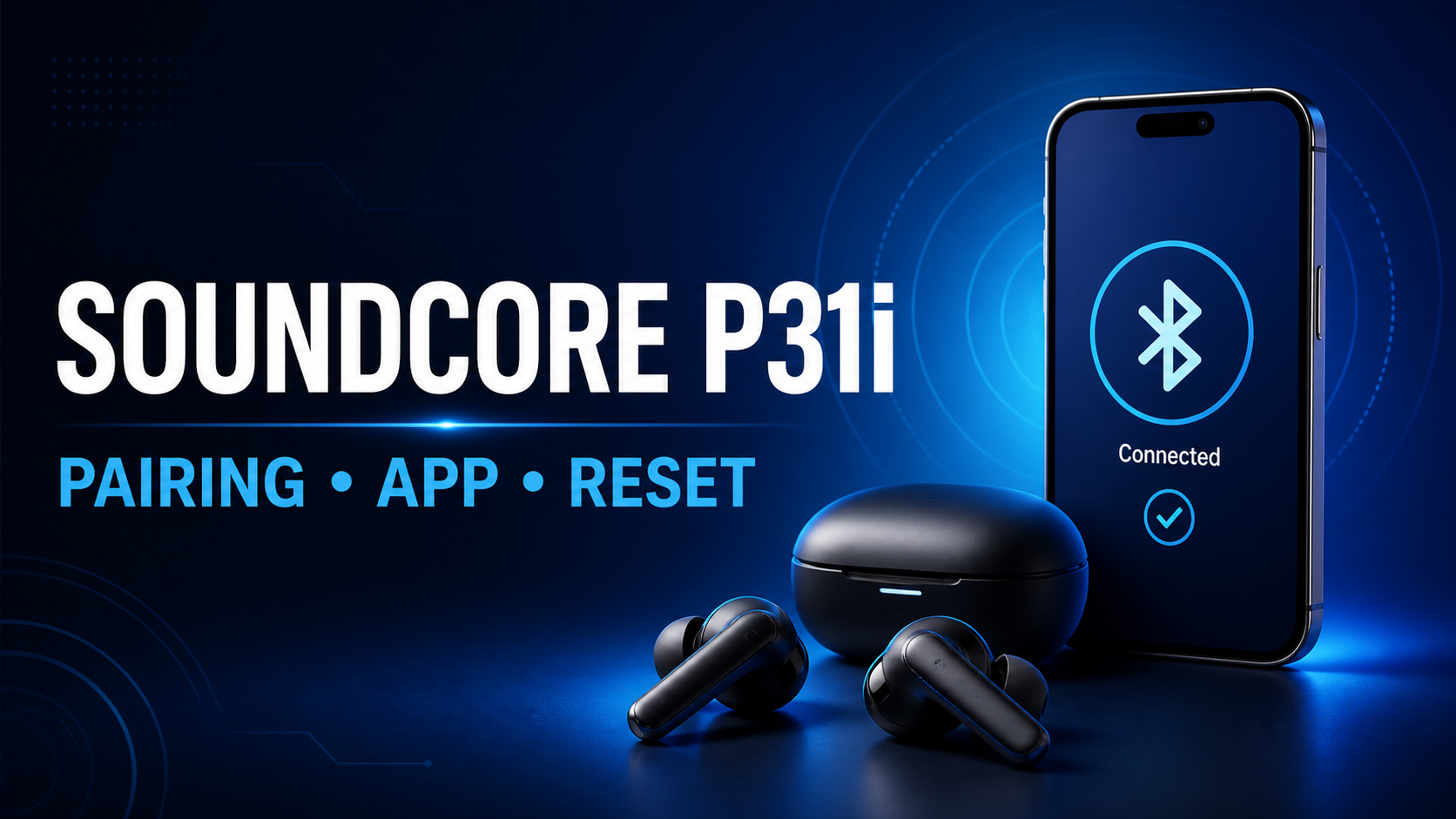
The Soundcore P31i pairing process starts with charged earbuds: remove the protective films, place both earbuds in the case, close and reopen its lid, then open your device’s Bluetooth menu and select soundcore P31i/R60i NC. If the earbuds do not appear, remove the old Bluetooth record, restart Bluetooth, and reset both earbuds by holding both touch areas for 10 seconds.
This guide covers initial pairing, the Soundcore app, two-device use, the official reset sequence, and fixes for one-earbud or reconnection problems. It is based on Soundcore’s official P31i product and support pages checked on September 2, 2026; it is not presented as a hands-on test.
- Charge the case and both earbuds.
- Delete the previous P31i entry from your phone or computer.
- Restart Bluetooth.
- Put both earbuds on and hold both touch areas for 10 seconds.
- Select soundcore P31i/R60i NC in Bluetooth settings.
Soundcore P31i
Adaptive ANC, LDAC, IP55 protection and up to 50 total hours under Soundcore’s test conditions.
- Official P31i manual and pairing help
- How to pair Soundcore P31i for the first time
- Pair P31i with iPhone or iPad
- Pair P31i with an Android phone
- Pair P31i with Windows 11
- Pair P31i with a Mac
- How to use the Soundcore app with P31i
- How to connect P31i to two devices
- How to reset Soundcore P31i
- Fix one earbud not working or sound on one side
- Fix P31i not connecting automatically
- Charging, battery and water-resistance basics
- Soundcore P31i pairing and reset FAQ
- When buying or replacing P31i
- Official sources and related comparisons
Official P31i manual and pairing help
For the exact button sequence, use the official P31i user guide. If the earbuds do not appear in the Bluetooth list, follow Soundcore’s model-specific pairing troubleshooting before resetting. The official reset instructions are the final step after checking charge and saved Bluetooth records.
How to pair Soundcore P31i for the first time
- Remove the protective film. New earbuds may have film over the charging contacts. Remove it before charging or pairing.
- Charge the earbuds and case. A low charge can make first-time discovery unreliable.
- Start pairing mode. Put both earbuds in the case, close its lid, then reopen it. Follow the model-specific guide if they reconnect to another saved device.
- Open Bluetooth settings on your phone, tablet, or computer.
- Select “soundcore P31i/R60i NC.” Accept the pairing request if your device asks for confirmation.
- Test both sides. Play audio and confirm that left and right earbuds are working.
If you previously selected Cancel on a pairing confirmation, Soundcore recommends turning Bluetooth off and on, then trying again. The Bluetooth name includes both regional names, so seeing “R60i NC” alongside “P31i” does not necessarily mean you found the wrong device.
Pair P31i with iPhone or iPad
- Open Settings > Bluetooth.
- Turn Bluetooth on.
- Under Other Devices, tap soundcore P31i/R60i NC.
- Wait until the status changes to Connected.
If P31i already appears under My Devices but will not connect, tap the information icon, choose Forget This Device, reset the earbuds, and pair them again. Forgetting the old record is especially useful after connecting the earbuds to another phone or after a firmware update.
Pair P31i with an Android phone
- Open Settings > Connected devices or your phone’s Bluetooth menu.
- Choose Pair new device.
- Tap soundcore P31i/R60i NC.
- Approve the pairing prompt.
Menu names vary among Samsung Galaxy, Google Pixel, Motorola, OnePlus and other Android phones. If the earbuds appear in the saved-device list but not as connected, remove that entry before resetting. Also confirm that a nearby tablet or laptop has not connected to the P31i first.
Pair P31i with Windows 11
- Open Settings > Bluetooth & devices.
- Turn Bluetooth on, then select Add device.
- Choose Bluetooth.
- Select soundcore P31i/R60i NC.
If Windows says the earbuds are connected but audio still plays through the laptop speakers, select the speaker icon in the taskbar and choose P31i as the output device. For call problems, check that the P31i microphone is selected inside the calling app as well as in Windows sound settings.
Pair P31i with a Mac
- Open System Settings > Bluetooth.
- Turn Bluetooth on.
- Find soundcore P31i/R60i NC under Nearby Devices.
- Click Connect.
If macOS reconnects to another headset, disconnect that headset temporarily. When audio does not switch automatically, open Control Center, choose Sound, and select the P31i output.
How to use the Soundcore app with P31i
The P31i works as standard Bluetooth earbuds without the Soundcore app, but the app is the practical place to manage supported sound modes, EQ and controls. Install the official Soundcore app from Apple’s App Store or Google Play, connect the earbuds to the phone through Bluetooth, and then add or select P31i inside the app.
Depending on app and firmware version, the P31i product page lists features including adaptive ANC, sound customization, spatial audio, touch-control settings, firmware updates and dual connections. Soundcore also lists LDAC and Hi-Res support. LDAC availability depends on the source device and operating system, so iPhone users should not assume that an Android-oriented codec feature will appear.
If the Soundcore app cannot find P31i
- Pair the earbuds in the phone’s Bluetooth settings first.
- Confirm both earbuds are charged and connected.
- Close and reopen the Soundcore app.
- Turn Bluetooth off and on.
- Remove the saved P31i Bluetooth entry, reset the earbuds, and pair again.
- Try another compatible phone to determine whether the problem follows the earbuds or the original device.
Do not install similarly named third-party apps. Use the publisher and download links referenced by Soundcore’s official materials.
How to connect P31i to two devices
Soundcore’s P31i product information lists dual connections. Connect the first device normally, then use the Soundcore app or the pairing method shown for your current firmware to add the second device. After both are saved, pause audio on one device before starting playback on the other.
Multipoint behavior can vary by app, operating system and audio mode. If switching becomes unreliable, disconnect one device, reset the earbuds, and build the two-device pairing again. A newer Bluetooth version number alone does not guarantee flawless switching in a crowded radio environment.
How to reset Soundcore P31i
Use the following official P31i reset sequence:
- Remove both earbuds from the charging case.
- Put both earbuds on.
- Press and hold the touch area on both earbuds at the same time for 10 seconds.
- Listen for the prompt tone confirming that the reset succeeded.
- Delete the old P31i record from your device, then pair again.
The official Soundcore reset article specifies 10 seconds. Do not release early based on an unofficial timer. If no confirmation tone plays, charge both earbuds and the case, then clean the charging pins gently with a dry cloth before retrying.
Fix one earbud not working or sound on one side
- Charge both sides. Check that each earbud sits correctly against the case contacts.
- Clean the contacts. Use a dry, lint-free cloth; do not add liquid to the charging contacts.
- Check audio balance. Make sure the phone’s left/right accessibility balance is centered.
- Remove the Bluetooth record. Forget P31i on the phone or computer.
- Reset both earbuds together. Hold both touch areas for the full 10 seconds.
- Pair again. Select soundcore P31i/R60i NC and test a known stereo track.
If the same side remains silent on a second device, the problem is more likely to involve charging contact, hardware or firmware than the original phone. Contact Soundcore support with the serial number, purchase details and the troubleshooting steps already attempted.
Fix P31i not connecting automatically
- Turn off Bluetooth on devices you are not currently using.
- Remove duplicate or old P31i entries from the saved-device list.
- Restart the phone or computer.
- Reset the earbuds and create a fresh pairing.
- Test at close range away from busy USB 3 hubs, routers and other Bluetooth devices.
If P31i connects but produces no sound, select it as the active audio output. On computers, the operating system and conferencing software can each have their own output selection.
Charging, battery and water-resistance basics
Soundcore publishes up to 10 hours of earbud playback and 50 hours with the case when ANC is off, or up to 8/40 hours with ANC on. A 10-minute charge is rated for up to 3.5 hours. These are manufacturer maximums; volume, codec, ANC, calls, temperature and battery age affect real use.
The earbuds carry an IP55 rating. That is useful for sweat and everyday exposure, but it does not make the product suitable for swimming or charging while wet. Dry the earbuds and contacts before returning them to the case.
Soundcore P31i pairing and reset FAQ
What Bluetooth name should I select?
Select soundcore P31i/R60i NC, as shown in Soundcore’s pairing support instructions.
How long do I hold P31i to reset it?
Hold the touch areas on both earbuds simultaneously for 10 seconds. A prompt tone confirms the reset.
Can I use P31i without the Soundcore app?
Yes. Basic Bluetooth playback and calls work without the app. The app is useful for supported ANC, EQ, controls, firmware and dual-connection settings.
Why does P31i pair but have no sound?
The phone or computer may still be using another output. Select P31i in the system sound menu and, for calls, inside the conferencing app.
Does resetting P31i fix one-earbud problems?
It can fix a synchronization or saved-pairing problem. First charge both earbuds and clean the contacts; then remove the Bluetooth record, reset both sides together and pair again.
Should I replace the earbuds if pairing still fails?
First test with another phone or computer. If the same problem continues after charging, cleaning the contacts and completing the official reset, contact Soundcore support before buying a replacement.
When buying or replacing P31i
Confirm the exact model and seller before ordering. The Amazon button below points to P31i ASIN B0FNWCQ1CY and includes SEFP Journal’s Amazon.com Associate tag. This guide does not publish a fixed price because coupons, sellers and availability can change.
Soundcore P31i
Check the exact model, color, seller, condition and current return terms before ordering.