Disclosure: As an Amazon Associate I earn from qualifying purchases. This article contains Amazon affiliate links. If you buy through them, SEFP Journal may earn a commission at no extra cost to you. This is a specification-based comparison; we did not conduct hands-on speed or range testing.
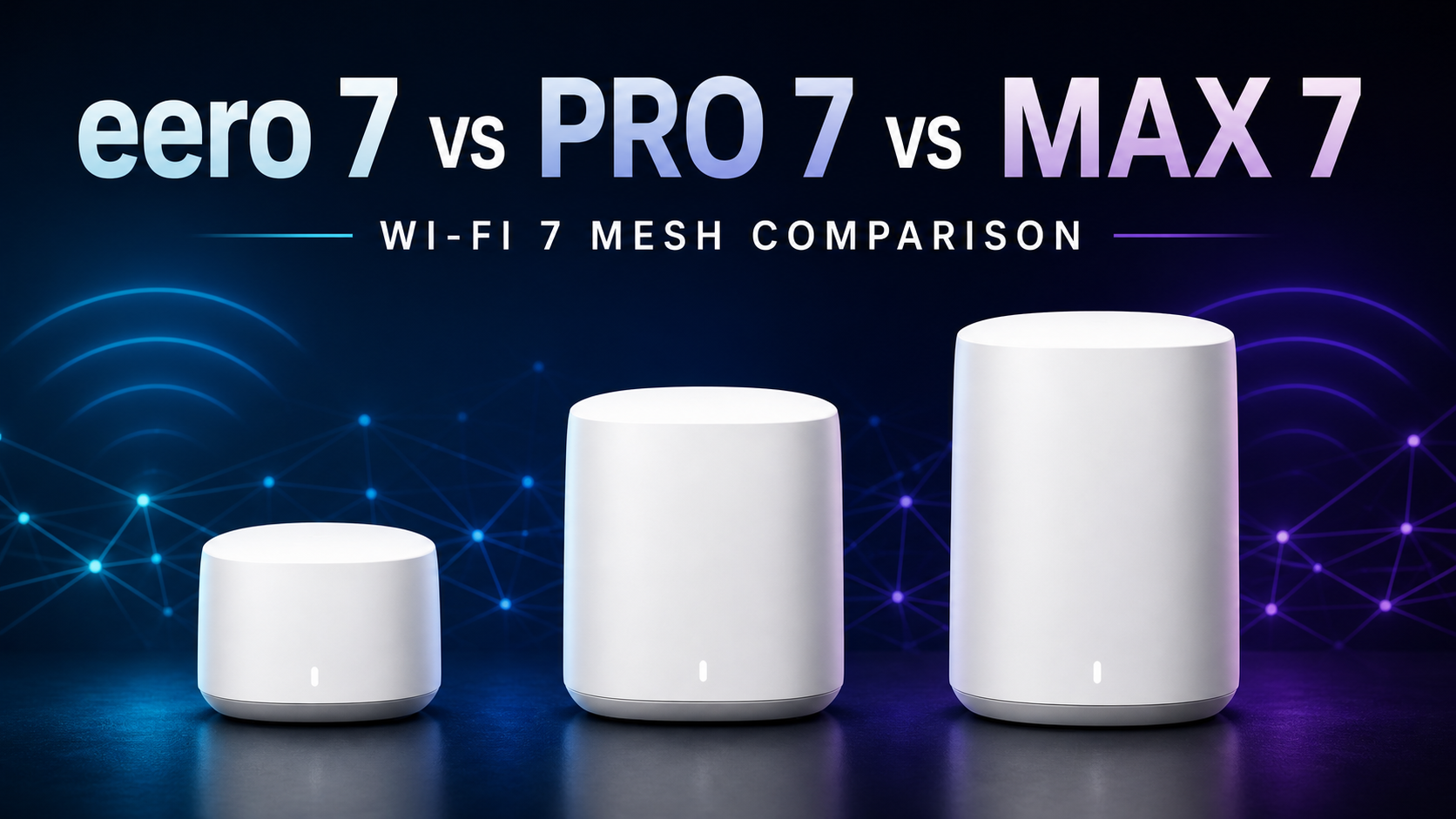
Choosing between eero 7 vs eero Pro 7 vs eero Max 7 is less about buying the router with the biggest number and more about matching your internet plan, wired devices and home layout. The standard eero 7 is the value-focused dual-band model. eero Pro 7 adds a 6GHz band and faster 5GbE ports. eero Max 7 targets demanding networks with two 10GbE ports, two 2.5GbE ports and the highest capacity of the three.
These are active shopping choices, not theoretical upgrades. On September 1, 2026, Amazon.com’s Best Sellers list for Whole Home & Mesh Wi-Fi Systems placed eero 7 at No. 7, eero Pro 7 at No. 8 and eero Max 7 at No. 30. Rakko Keyword also returned searches such as “eero 7 vs eero Pro 7 range,” “eero 7 dual band vs eero Pro 7,” and “eero Pro 7 vs eero Max 7 range.” Rankings, availability and prices can change.
- Quick verdict
- eero 7 vs Pro 7 vs Max 7 specs
- The biggest difference: dual-band vs tri-band
- eero 7 vs eero Pro 7 range
- Internet plan speed: which eero is enough?
- Ethernet ports may decide the purchase
- How many eero units should you buy?
- Which eero should you buy?
- Should Pro 6E or eero 6+ owners upgrade?
- Frequently asked questions
- Final recommendation
- Sources
Quick verdict
- Buy eero 7 if you want the lowest-cost entry to Wi-Fi 7, have an internet plan up to roughly 2.5Gbps, or can use Ethernet backhaul.
- Buy eero Pro 7 if you want the best overall balance: tri-band Wi-Fi 7, 6GHz, 5GbE ports and more wireless capacity without paying for the Max.
- Buy eero Max 7 if you need 10GbE, more LAN ports, support for a very large device count or the strongest eero hardware available.
Our default recommendation is eero Pro 7. Its third band and 5GbE ports make it the most flexible choice for a new multi-gig mesh. eero 7 is the smarter value for smaller homes and wired-backhaul installations. Max 7 is excellent but unnecessary for most households.
eero 7 — best value


eero Pro 7 — best for most buyers

eero Max 7 — best for 10GbE and power users

eero 7 vs Pro 7 vs Max 7 specs
| Feature | eero 7 | eero Pro 7 | eero Max 7 |
|---|---|---|---|
| Wi-Fi generation | Wi-Fi 7 | Wi-Fi 7 | Wi-Fi 7 |
| Wi-Fi bands | Dual-band: 2.4GHz + 5GHz | Tri-band: 2.4GHz + 5GHz + 6GHz | Tri-band: 2.4GHz + 5GHz + 6GHz |
| Wi-Fi class | BE5000 | BE10800 | BE20800 |
| Maximum channel width | 240MHz | 320MHz | 320MHz |
| Ethernet ports | 2 × 2.5GbE | 2 × 5GbE | 2 × 10GbE + 2 × 2.5GbE |
| Claimed maximum wired speed | Up to 2.3Gbps | Up to 4.7Gbps | Up to 9.4Gbps |
| Claimed maximum wireless speed | Up to 1.8Gbps | Up to 3.9Gbps | Up to 4.3Gbps |
| Coverage per unit | Up to 2,000 sq. ft. | Up to 2,000 sq. ft. on the current Amazon listing | Up to 2,500 sq. ft. |
| Device capacity | 100+ devices | 200+ devices | 250+ devices |
| Best match | Value, smaller homes, wired backhaul | Most multi-gig mesh buyers | 10GbE, many wired devices, maximum capacity |
The biggest difference: dual-band vs tri-band
The standard eero 7 uses 2.4GHz and 5GHz. eero Pro 7 and Max 7 add 6GHz. That extra band can serve compatible Wi-Fi 6E and Wi-Fi 7 devices and gives eero’s TrueMesh system another path when nodes communicate wirelessly.
However, 6GHz is not a magic range booster. It can provide wider channels and less congestion at short distances, but higher-frequency signals usually have more difficulty passing through walls. Nor should it be described as a permanently dedicated backhaul band: eero dynamically selects paths and bands based on network conditions.
If every mesh node can be connected by Ethernet, eero 7 becomes much more attractive because wired backhaul reduces the pressure on its two wireless bands. If the nodes must connect wirelessly across multiple rooms, Pro 7’s tri-band design is the safer mainstream choice.
eero 7 vs eero Pro 7 range
Amazon’s current one-pack listings claim up to 2,000 square feet for both eero 7 and eero Pro 7. Max 7 is listed at up to 2,500 square feet. Treat these as planning figures, not promises. Construction materials, floor plan, node placement, interference and client hardware can change the usable range substantially.
Pro 7’s advantage is not simply “more feet.” Its tri-band radio and 6GHz support can improve network capacity and mesh flexibility. A centrally placed eero 7 may outperform a poorly placed Pro 7. For a long or multi-story home, correct node placement and a wired connection between floors often matter more than buying one higher-tier unit.
Internet plan speed: which eero is enough?
- Up to 1Gbps: eero 7 is usually the value choice unless you specifically need 6GHz or more wireless mesh capacity.
- 2Gbps to 5Gbps: eero Pro 7 is the better fit because both Ethernet ports support up to 5GbE.
- Above 5Gbps or a 10GbE LAN: eero Max 7 is the only model here with 10GbE ports.
Do not confuse the speed of your internet subscription with the speed of one phone or laptop. Reaching multi-gigabit wireless throughput requires a compatible Wi-Fi 7 client, suitable channel conditions and close range. Many everyday devices will connect at much lower rates even when the router and internet plan are faster.
Ethernet ports may decide the purchase
eero 7 has two auto-sensing 2.5GbE ports. Pro 7 also has two ports, but both are 5GbE. When one port on the gateway eero is connected to your modem or ONT, only one remains for a wired device or switch.
Max 7 is much more useful in a wired network because it includes four Ethernet ports: two 10GbE and two 2.5GbE. After using one for the internet connection, three remain. That can reduce the need for an additional multi-gig switch when connecting a desktop, NAS and another mesh node.
If you plan to add a switch, verify that its port speed matches your network. A 1GbE switch will cap wired traffic through that connection even when the eero port and internet plan are faster.
How many eero units should you buy?
Start with fewer nodes than the maximum estimate suggests. Too many mesh nodes placed too closely can create unnecessary interference and extra roaming decisions. A one-pack may be sufficient for an apartment or compact home; a two- or three-pack is more appropriate when a single centrally placed unit cannot cover distant rooms.
- Place the gateway in an open, central location rather than inside a cabinet.
- Keep wireless nodes close enough to receive a strong signal from another node.
- Use Ethernet backhaul when practical, especially between floors or through dense walls.
- Buy all-router packs when you want Ethernet ports at each node; check the exact bundle contents before ordering.
Which eero should you buy?
Choose eero 7 if…
- You want the most affordable current eero Wi-Fi 7 router.
- Your internet plan is 1Gbps or 2Gbps and you do not need 6GHz.
- You can connect mesh nodes with Ethernet.
- You only need one remaining LAN port at the gateway, or you will add a switch.
Choose eero Pro 7 if…
- You want 6GHz and tri-band Wi-Fi 7.
- Your nodes will often use wireless backhaul.
- You have a multi-gig internet plan or 5GbE wired devices.
- You want the best balance of capability and cost in the current lineup.
Choose eero Max 7 if…
- You have or are building a 10GbE network.
- You need more than one spare Ethernet port on the gateway.
- Your home has an unusually large number of connected devices.
- You prefer maximum hardware capacity and the live price fits your budget.
Should Pro 6E or eero 6+ owners upgrade?
An upgrade makes the most sense when you have a specific bottleneck: a new multi-gig internet plan, Wi-Fi 7 client devices, the need for faster Ethernet ports or poor mesh capacity under load. Wi-Fi 7 features such as Multi-Link Operation are useful only when compatible clients and current software support them.
If your existing eero system already delivers your full internet speed and stable coverage, replacing it solely for the Wi-Fi 7 label may offer little practical benefit. Improving node placement or adding wired backhaul can be a better first step.
Frequently asked questions
Is eero Pro 7 better than eero 7?
Pro 7 has stronger specifications: tri-band Wi-Fi with 6GHz, wider 320MHz channels, 5GbE ports and higher claimed wired and wireless speeds. eero 7 can still be the better purchase when price matters, the internet plan is below 2.5Gbps or Ethernet backhaul is available.
Is eero Max 7 worth it over eero Pro 7?
Max 7 is worth considering for two 10GbE ports, two additional 2.5GbE ports, higher device capacity and the strongest hardware tier. Pro 7 is the better value for most homes that do not have a 10GbE network or need four ports on one router.
Does eero 7 have 6GHz?
No. The standard eero 7 is dual-band and uses 2.4GHz and 5GHz. eero Pro 7 and eero Max 7 are tri-band models that also support 6GHz.
Can eero 7 and eero Pro 7 be mixed?
Current eero systems are designed to work together, but mixing tiers means each node still operates within its own radio and port limits. For the cleanest performance plan, use the faster model as the gateway and avoid placing a slower dual-band node where it becomes a bottleneck for wireless backhaul.
Do these routers require an eero Plus subscription?
No subscription is required for basic routing and mesh operation. eero offers optional paid features through eero Plus. Review the current feature list before buying because subscription contents and pricing can change.
Will Wi-Fi 7 make my internet faster?
It cannot exceed the speed delivered by your internet provider. Wi-Fi 7 can improve local wireless capacity, latency and efficiency with compatible clients, but real results depend on distance, interference, client radios and the network’s wired connections.
Final recommendation
eero Pro 7 is the best overall choice for most buyers. It adds the 6GHz band and 5GbE ports that make a new Wi-Fi 7 mesh feel properly future-ready. Choose eero 7 to save money in a smaller or wired-backhaul home. Choose Max 7 only when its 10GbE ports, extra wired connections or higher capacity solve a real need.
Amazon discounts and bundles can change the value equation. Use the product buttons above to compare the latest Amazon.com price, pack size and availability before ordering.