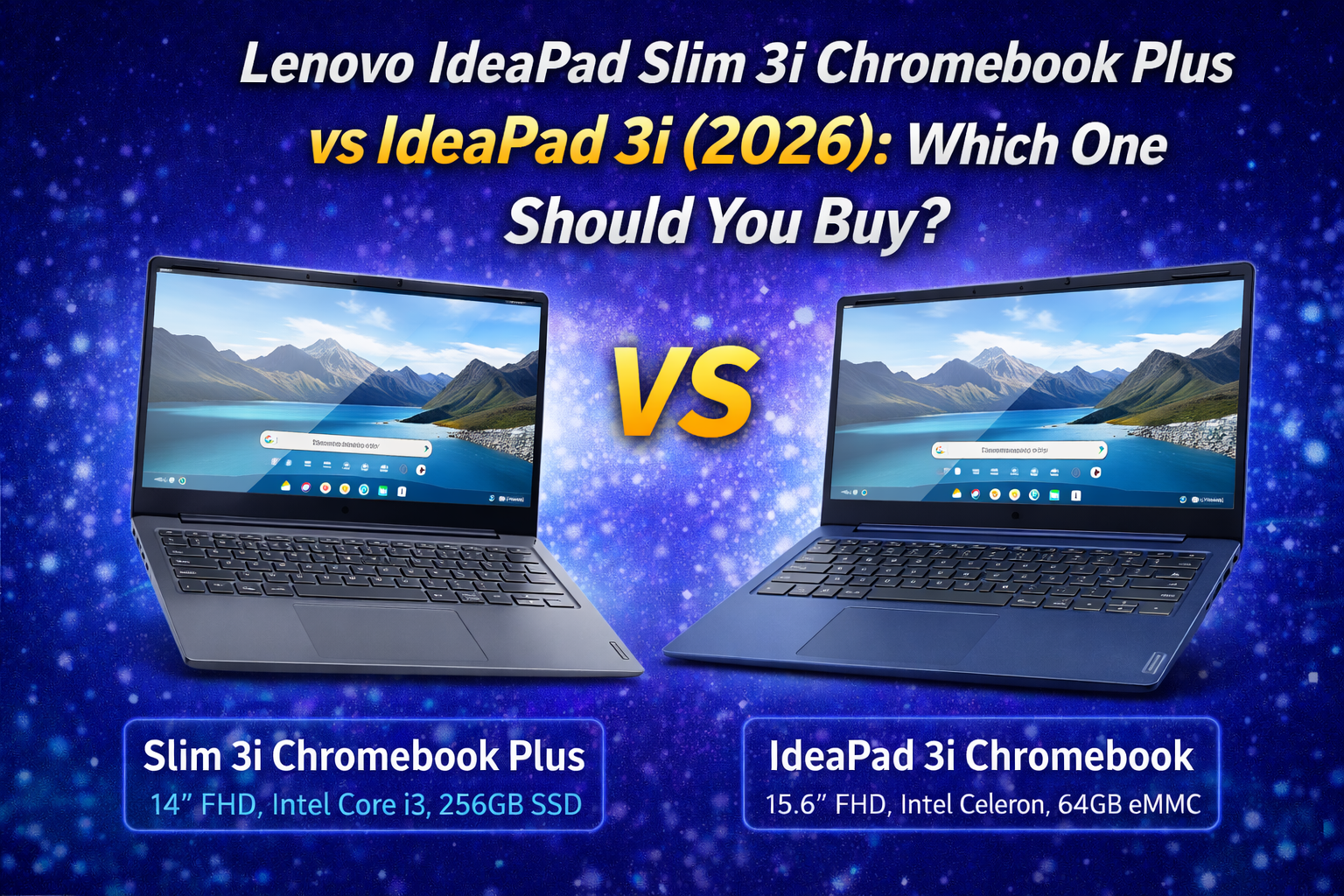
Lenovo IdeaPad Slim 3i Chromebook Plus vs IdeaPad 3i Chromebook (2026): Which Chromebook Should You Buy?
Looking for a reliable, affordable Chromebook in 2024–2026?
Lenovo offers excellent options with the IdeaPad Slim 3i Chromebook Plus and the IdeaPad 3i Chromebook. Both are designed for students, casual users, and everyday productivity, but they target slightly different needs and budgets.
In this comparison, we’ll break down the key differences in performance, display, design, battery life, storage, and overall value to help you decide which Chromebook is right for you.
Lenovo IdeaPad Slim 3i Chromebook Plus vs IdeaPad 3i: Quick Comparison Table
| Feature | Lenovo IdeaPad Slim 3i Chromebook Plus | Lenovo IdeaPad 3i Chromebook |
|---|---|---|
| Display | 14″ FHD (1920×1080) | 15.6″ FHD (1920×1080) |
| Processor | Intel Core i3-N305 | Intel Celeron N4500 |
| RAM | 8GB | 8GB |
| Storage | 256GB SSD | 64GB eMMC |
| Camera | HD 1080p | 720p |
| Audio | Waves MaxxAudio® | Standard |
| Operating System | Chrome OS | Chrome OS |
| Best For | Performance + portability | Budget daily use |

Lenovo IdeaPad Slim 3i Chromebook Plus
View on Amazon →
Lenovo IdeaPad 3i Chromebook
View on Amazon →Who Should Buy the Lenovo IdeaPad Slim 3i Chromebook Plus or IdeaPad 3i?
This article is ideal if you’re:
- A student needing a capable laptop for school
- Someone who wants Chrome OS for web browsing, streaming, and productivity
- Looking for a budget-friendly yet capable Chromebook
- Unsure whether to prioritize performance or screen size
In the next section, we’ll compare the performance and processing capabilities of these two Chromebooks.
Lenovo IdeaPad Slim 3i Chromebook Plus vs IdeaPad 3i: Performance and Hardware Comparison
Performance is one of the biggest factors when choosing a Chromebook, especially for multitasking, online work, and long-term usability.
Let’s compare how the Lenovo IdeaPad Slim 3i Chromebook Plus and IdeaPad 3i Chromebook perform in real-world use.
Processor (CPU) Performance
IdeaPad Slim 3i Chromebook Plus
The Slim 3i Chromebook Plus is powered by the Intel Core i3-N305 processor.
This modern CPU delivers:
- Faster app loading
- Smoother multitasking
- Better web browsing performance
- Improved AI and background processing
It is suitable for students, professionals, and power users who rely on multiple tabs and apps.
IdeaPad 3i Chromebook
The standard IdeaPad 3i uses the Intel Celeron N4500 processor.
This chip is designed for basic tasks such as:
- Web browsing
- Online classes
- Video streaming
While it is energy-efficient, it is significantly slower than the Core i3.
Memory (RAM)
Both models come with 8GB of RAM.
This is a major advantage, as many budget Chromebooks still use 4GB.
With 8GB RAM, both laptops can handle:
- Dozens of Chrome tabs
- Google Docs and Sheets
- Video conferencing
- Android apps
However, the faster CPU in the Slim 3i makes better use of this memory.
Storage Performance
Slim 3i Chromebook Plus: 256GB SSD
The Slim 3i includes a large and fast 256GB SSD.
Benefits include:
- Faster boot times
- Quick file transfers
- More space for offline files
- Better long-term usability
This is ideal for users who download files or work offline.
IdeaPad 3i Chromebook: 64GB eMMC
The standard 3i uses 64GB eMMC storage.
While functional, it has limitations:
- Slower speeds
- Limited storage space
- More dependence on cloud storage
It is best suited for users who rely mainly on Google Drive.
Real-World Performance
In everyday use:
- Slim 3i feels faster and more responsive
- Multitasking is smoother on Slim 3i
- Heavy web apps run better on Slim 3i
- IdeaPad 3i is fine for light tasks only
If you plan to keep your Chromebook for several years, the Slim 3i offers better long-term performance.
IdeaPad Slim 3i Chromebook Plus vs IdeaPad 3i: Performance Verdict
Choose the IdeaPad Slim 3i Chromebook Plus if you want strong performance and future-proof hardware.
Choose the IdeaPad 3i Chromebook if your needs are basic and budget-focused.
Lenovo IdeaPad Slim 3i Chromebook Plus vs IdeaPad 3i: Display and Design Comparison
Display quality and physical design greatly affect how comfortable a laptop is to use every day.
Let’s compare the Lenovo IdeaPad Slim 3i Chromebook Plus and IdeaPad 3i Chromebook in terms of screen, size, and build.
Display Size and Resolution
IdeaPad Slim 3i Chromebook Plus
The Slim 3i features a 14-inch Full HD (1920×1080) display.
This size offers an excellent balance between portability and productivity.
It is ideal for:
- Students who carry laptops daily
- Remote workers
- Travelers
- Coffee shop users
Text and images appear sharp and clear.
IdeaPad 3i Chromebook
The standard 3i comes with a larger 15.6-inch Full HD display.
Advantages include:
- More screen space
- Better for split-screen multitasking
- Comfortable movie viewing
However, the larger screen reduces portability.
Panel Quality and Brightness
Both models use standard IPS-level displays.
They provide:
- Good viewing angles
- Natural colors
- Decent contrast
The Slim 3i generally offers slightly better brightness and color tuning.
Build Quality and Materials
Both Chromebooks use lightweight plastic chassis to keep costs low.
Slim 3i Chromebook Plus
- Slim profile
- Storm Grey finish
- Modern minimalist look
- More premium feel
IdeaPad 3i Chromebook
- Thicker body
- Abyss Blue color option
- More casual appearance
The Slim 3i looks more professional overall.
Weight and Portability
| Model | Weight | Portability |
|---|---|---|
| Slim 3i Chromebook Plus | Lighter | Excellent |
| IdeaPad 3i Chromebook | Heavier | Moderate |
The Slim 3i is easier to carry in backpacks and briefcases.
Keyboard and Trackpad
Both laptops feature comfortable keyboards and responsive trackpads.
Typing is accurate and quiet, suitable for long writing sessions.
The Slim 3i offers slightly better key feedback.
Lenovo IdeaPad Slim 3i Chromebook Plus
View on Amazon →
Lenovo IdeaPad 3i Chromebook
View on Amazon →IdeaPad Slim 3i Chromebook Plus vs IdeaPad 3i: Display & Design Verdict
Choose the Slim 3i if you want portability and premium styling.
Choose the IdeaPad 3i if you prefer a large screen for home use.
Lenovo IdeaPad Slim 3i Chromebook Plus vs IdeaPad 3i: Battery Life and Multimedia Comparison
Battery life and multimedia features are essential for students, remote workers, and casual users.
Let’s compare how the IdeaPad Slim 3i Chromebook Plus and IdeaPad 3i Chromebook perform in these areas.
Battery Life
IdeaPad Slim 3i Chromebook Plus
The Slim 3i is optimized for efficiency thanks to its modern Intel Core processor.
In real-world use, it delivers:
- Up to 9–10 hours of mixed usage
- Stable performance during video calls
- Reliable all-day battery for school or work
It is suitable for full-day productivity.
IdeaPad 3i Chromebook
The IdeaPad 3i focuses more on basic endurance.
Typical battery life includes:
- Around 7–8 hours of mixed usage
- Faster drain during streaming
- More frequent charging for heavy users
It is adequate for light daily use.
Webcam Quality
Slim 3i: 1080p HD Camera
The Slim 3i includes a Full HD 1080p webcam.
This offers:
- Sharper image quality
- Better low-light performance
- More professional video calls
It is ideal for Zoom, Google Meet, and online classes.
IdeaPad 3i: 720p Camera
The standard 3i features a 720p webcam.
While usable, it looks softer and less detailed.
It is fine for casual calls.
Audio Quality
Slim 3i: Waves MaxxAudio®
The Slim 3i features Waves MaxxAudio® enhancement.
This provides:
- Louder volume
- Clearer vocals
- Better bass response
It improves movie watching and video calls.
IdeaPad 3i: Standard Speakers
The IdeaPad 3i uses basic stereo speakers.
Sound quality is acceptable but not immersive.
Headphones are recommended for better experience.
Microphone Performance
Both models include dual microphones with noise reduction.
Voice clarity is good for meetings and classes.
The Slim 3i performs slightly better in noisy environments.
IdeaPad Slim 3i Chromebook Plus vs IdeaPad 3i: Battery & Multimedia Verdict
Choose Slim 3i Chromebook Plus if you want longer battery life and better webcam/audio quality.
Choose IdeaPad 3i Chromebook if you mainly use headphones and don’t need premium multimedia features.
Lenovo IdeaPad Slim 3i Chromebook Plus vs IdeaPad 3i: Software, Updates, and Chrome OS Experience
One of the biggest advantages of Chromebooks is their simple, fast, and secure operating system: Chrome OS.
Both Lenovo IdeaPad Slim 3i Chromebook Plus and IdeaPad 3i Chromebook run Chrome OS, but their hardware affects the overall experience.
Chrome OS Performance
Chrome OS is designed for cloud-based productivity and web apps.
It focuses on:
- Fast boot times
- Automatic updates
- Strong security
- Easy Google account integration
Both laptops benefit from these features.
However, the Slim 3i’s stronger processor makes the system feel noticeably smoother.
App Support (Web, Android, Linux)
Both models support:
- Web apps (Google Docs, Gmail, YouTube, etc.)
- Android apps (via Google Play Store)
- Linux apps (for developers and advanced users)
Slim 3i Advantage
Thanks to its Intel Core i3 chip, the Slim 3i handles Android and Linux apps much better.
Apps load faster and run more reliably.
IdeaPad 3i Limitation
The Celeron processor can struggle with heavier Android or Linux applications.
It is best used mainly for web-based apps.
Software Updates and Security
Google provides long-term updates for Chromebooks.
Both models receive:
- Automatic security patches
- Chrome OS version updates
- Background system improvements
This ensures strong protection against malware and online threats.
You don’t need antivirus software.
User Interface and Navigation
Chrome OS offers a clean and intuitive interface.
Features include:
- Taskbar-style shelf
- Multi-window support
- Virtual desktops
- Integrated Google Assistant
Slim 3i Experience
Navigation feels faster and more responsive.
Better for power users.
IdeaPad 3i Experience
Still smooth, but slower when multitasking.
Better for casual users.
Cloud Integration
Both laptops work seamlessly with:
- Google Drive
- Google Photos
- Google Calendar
- Google Classroom
- Google Workspace
This makes them ideal for students and remote workers.
IdeaPad Slim 3i Chromebook Plus vs IdeaPad 3i: Software & Updates Verdict
Choose Slim 3i Chromebook Plus if you want the best Chrome OS performance and app support.
Choose IdeaPad 3i Chromebook if you mainly use browser-based tools and cloud storage.
Pros and Cons: IdeaPad Slim 3i vs IdeaPad 3i Chromebook
Before making a final decision, let’s summarize the strengths and weaknesses of each model.
✅ IdeaPad Slim 3i Chromebook Plus Pros
- Powerful Intel Core i3-N305 processor
- Large 256GB SSD storage
- High-quality 1080p webcam
- Waves MaxxAudio® speakers
- Lightweight and portable design
- Better long-term performance
❌ IdeaPad Slim 3i Chromebook Plus Cons
- Higher price
- Smaller screen than IdeaPad 3i
- No touchscreen option (in most regions)
Lenovo IdeaPad Slim 3i Chromebook Plus
View on Amazon →✅ IdeaPad 3i Chromebook Pros
- More affordable price
- Large 15.6-inch display
- Lightweight for its size
- Simple and beginner-friendly
- Good for basic tasks
❌ IdeaPad 3i Chromebook Cons
- Slower Celeron processor
- Limited 64GB storage
- 720p webcam
- Less future-proof
Lenovo IdeaPad 3i Chromebook
View on Amazon →IdeaPad Slim 3i Chromebook Plus vs IdeaPad 3i: Best Model for Different Users
Here’s which model suits each type of user best.
Best for Students and Remote Workers
Winner: IdeaPad Slim 3i Chromebook Plus
Best for Budget Buyers
Winner: IdeaPad 3i Chromebook
Best for Multitasking
Winner: IdeaPad Slim 3i Chromebook Plus
Best for Home Entertainment
Winner: IdeaPad 3i Chromebook
Best for Long-Term Use
Winner: IdeaPad Slim 3i Chromebook Plus
Lenovo IdeaPad Slim 3i Chromebook Plus vs IdeaPad 3i: FAQ
Is the IdeaPad Slim 3i Chromebook Plus worth the higher price?
Yes. If you want better performance, more storage, and longer usability, it is worth the investment.
Can these Chromebooks run Windows software?
No. They run Chrome OS and support web, Android, and Linux apps only.
Is 64GB storage enough on IdeaPad 3i?
For most cloud-based users, yes.
However, heavy downloaders should consider external storage.
Which Chromebook is better for online classes?
Slim 3i Chromebook Plus, thanks to its 1080p webcam and better microphone.
Are these good for programming?
Basic web development is fine on both.
For Linux-based development, Slim 3i is recommended.
How long will these models receive updates?
Both will receive Chrome OS updates for several years, making them safe long-term purchases.
Final Verdict: Which Lenovo Chromebook Should You Buy?
Both Lenovo Chromebooks offer great value, but they target different users.
Choose IdeaPad Slim 3i Chromebook Plus If You:
- Want strong performance
- Need large storage
- Attend frequent video meetings
- Plan long-term use
Choose IdeaPad 3i Chromebook If You:
- Want the lowest price
- Prefer a large screen
- Use mainly cloud apps
- Are a beginner
Our Recommendation: IdeaPad Slim 3i Chromebook Plus vs IdeaPad 3i
For most users, IdeaPad Slim 3i Chromebook Plus is the better overall investment.
It delivers faster performance, better multimedia features, and longer usability.
Budget-focused users will still be satisfied with the IdeaPad 3i Chromebook.
Check Latest Prices on Amazon
👉 IdeaPad Slim 3i Chromebook Plus
Lenovo IdeaPad Slim 3i Chromebook Plus
View on Amazon →
👉 IdeaPad 3i Chromebook
Lenovo IdeaPad 3i Chromebook
View on Amazon →Thank you for supporting this site!

コメント